Can we change the content ourselves once the site is built?
Yes, if the site was delivered with a content management panel. But having a panel isn't enough; what you can change and how easily you can do it matter too.
Once a site is live, the things that change most are predictable: a new project, a campaign announcement, a blog post, a new phone number, someone joining the team. If you have to write to your agency and wait for each of these, the site slowly falls out of date. And an out-of-date site makes visitors ask, “Is this company still in business?”
What a content management panel is for
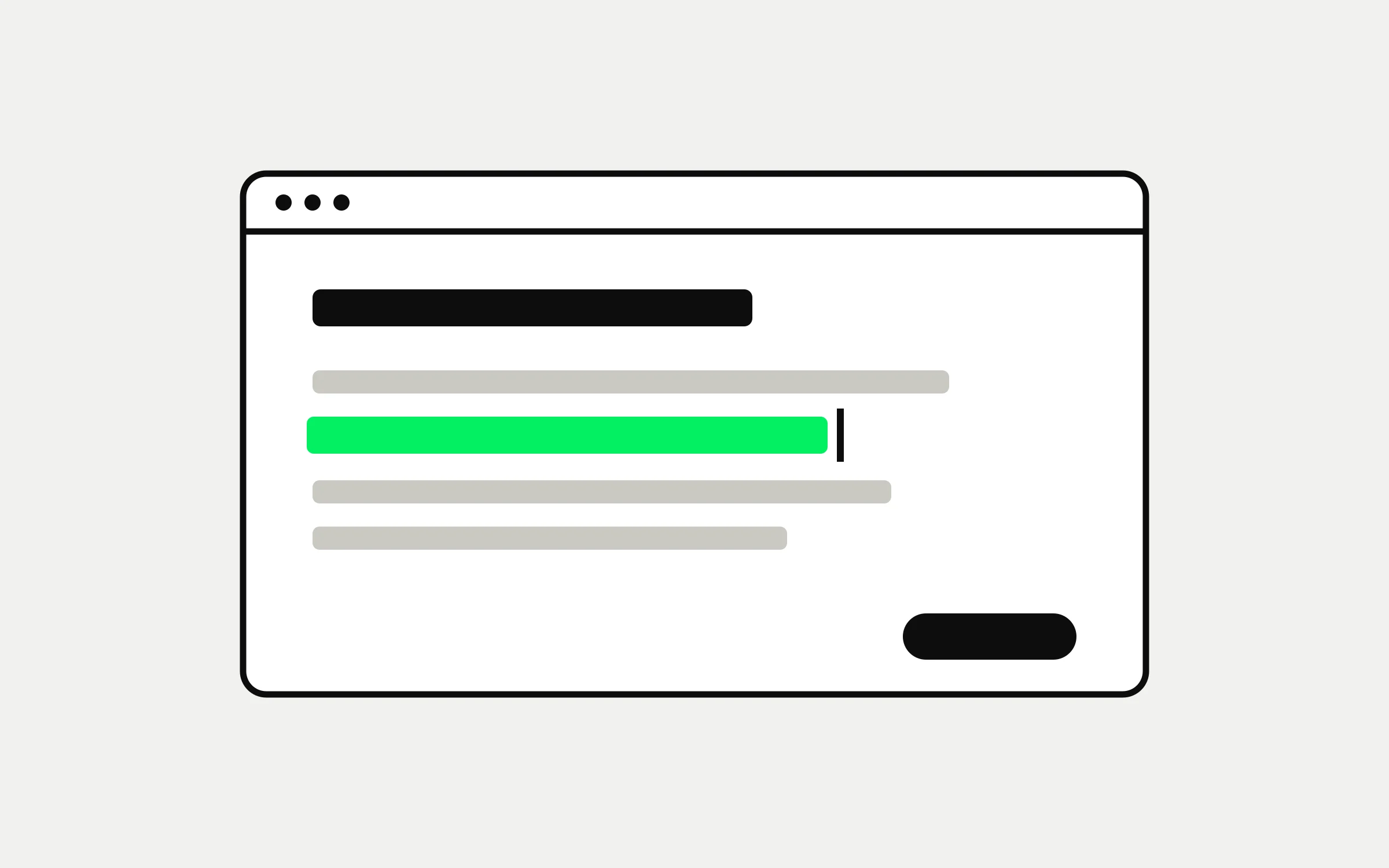
A content management panel is the screen where you change your site's content without knowing any code. You write the text, choose the image and press “Publish”. The design stays the same; only the content changes. That way, whatever you add, the layout doesn't break.
What a good panel should have
The site's own words: The fields in the panel should have the same names as the sections you see on the site. Not “Custom field 3” but “Project name”.
Drafts and preview: You should be able to see how a change will look on the site before you publish it.
Image preparation: The panel should resize the photo you upload itself and prepare its sizes for different screens. Otherwise a heavy photo slows the page down.
Scheduling: You should be able to set an announcement or a post to go live on its own at a later date.
Undo: You should be able to take down something published by mistake and discard saved changes.
Search appearance: You should be able to edit how a page looks on Google, its title and its description, from the panel.
Does everything need to be changeable from the panel
No. The structure of the site, meaning the layout of the pages, the menu and the design, usually lives in the code, not in the panel. This isn't a shortcoming but a safeguard: you can change the content as much as you like without breaking the site as a whole. When a new section or a new kind of page is needed, that is a development job.
Try it at handover
When the site is handed over, try the panel together: add a new piece of content, change an image, preview a draft, then take it down. If you can do these without asking anyone, the site is truly yours.
At Methodda we deliver websites with their own content management panel, so you don't need anyone to change the content. This post, too, went live from that panel, scheduled ahead of time.